
Your voice. Your agents. Your devices.
VoiceClaw Realtime. One voice. Every route.
Talk naturally with GPT Realtime and GPT Live while GPT-5.6, Codex, OpenClaw, and Hermes work behind the conversation. Use your voice to control your Mac or PC through your agents in real time, launch multiple agent tasks in parallel, steer them while they work, and keep talking throughout.
Chat, reason, search the web, take iPhone actions, upload or receive files, and follow every task from iPhone or Apple Watch, using your existing ChatGPT subscription and the free desktop Companion.
One continuous conversation for your AI work, computer work, and everyday actions.
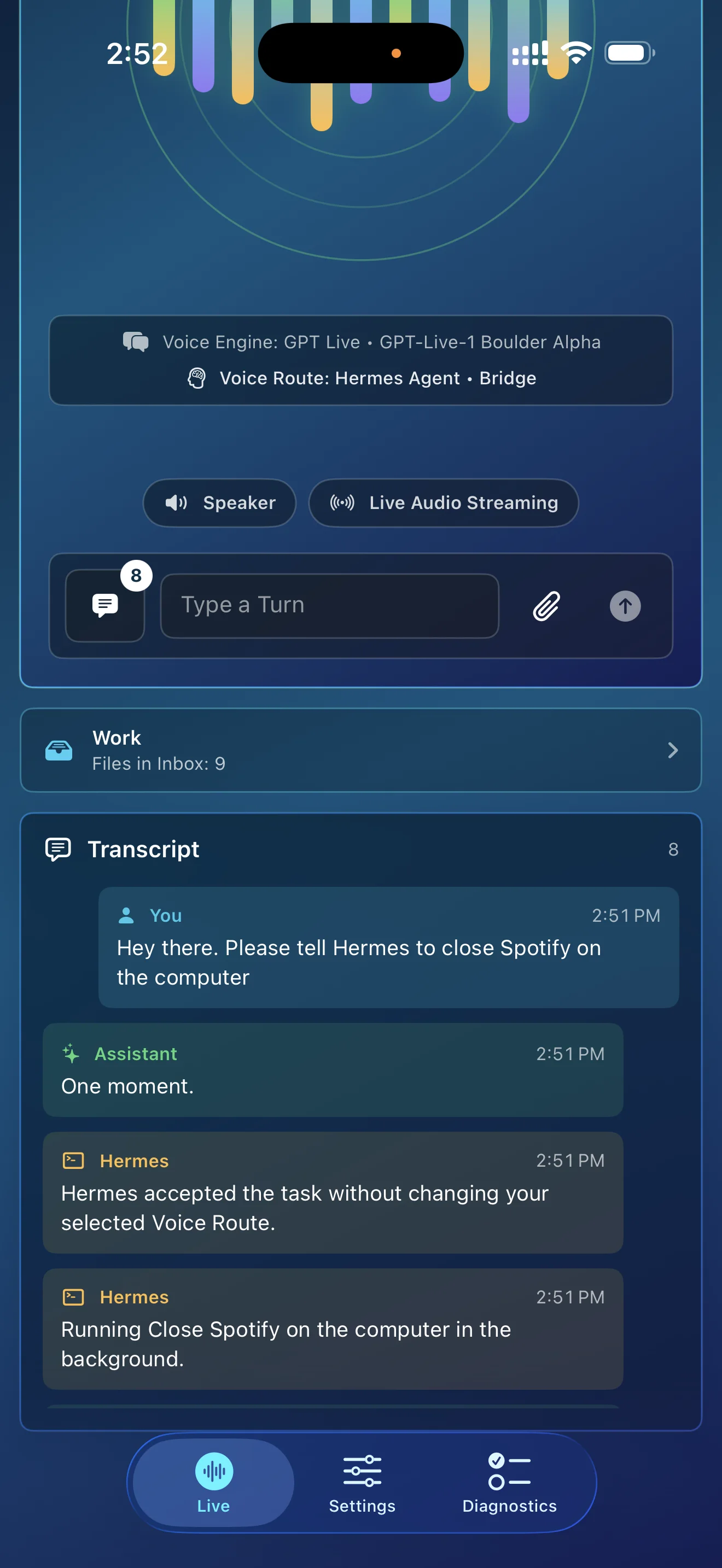
Keep one conversation going. Interrupt, redirect, switch routes, or send work to another agent whenever you want.
Explore the routesContinuous voice session
Switch the route.
Keep the conversation.
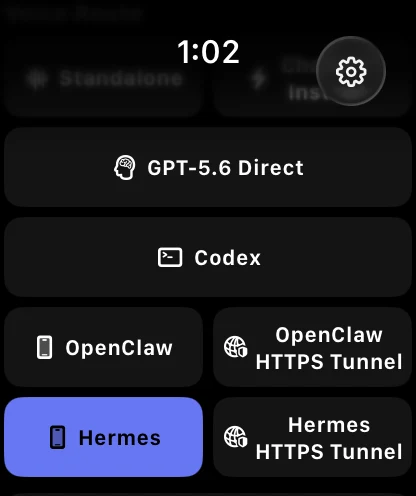
GPT Realtime or GPT Live keeps one continuous conversation going while you choose where each request goes. Switch by voice or from the menu among ChatGPT Instant, GPT-5.6 Direct, Codex, OpenClaw, and Hermes, or send a one-off task through another route without leaving your current one.
Parallel agent work
Start the work. Keep talking.
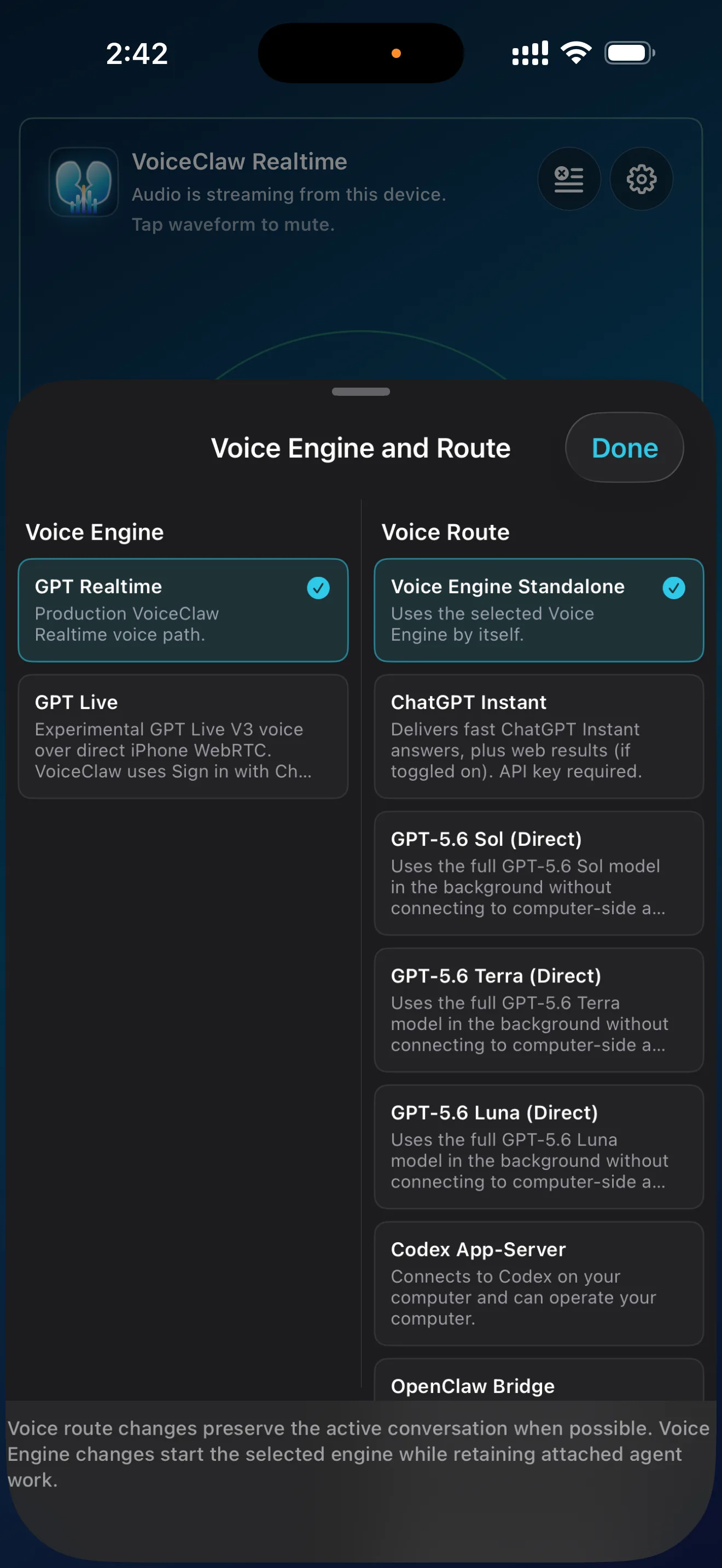
Send tasks to Codex, any OpenClaw agent you choose, or Hermes, then keep talking while they work on your computer. Run multiple tasks at once, steer work in progress, and see results as they arrive.
- Run Codex, OpenClaw, and Hermes tasks at the same time.
- Choose the OpenClaw agent you want for each task.
- Steer work in progress and see when results are ready.
- Open documents, images, spreadsheets, and other files your agents send back.
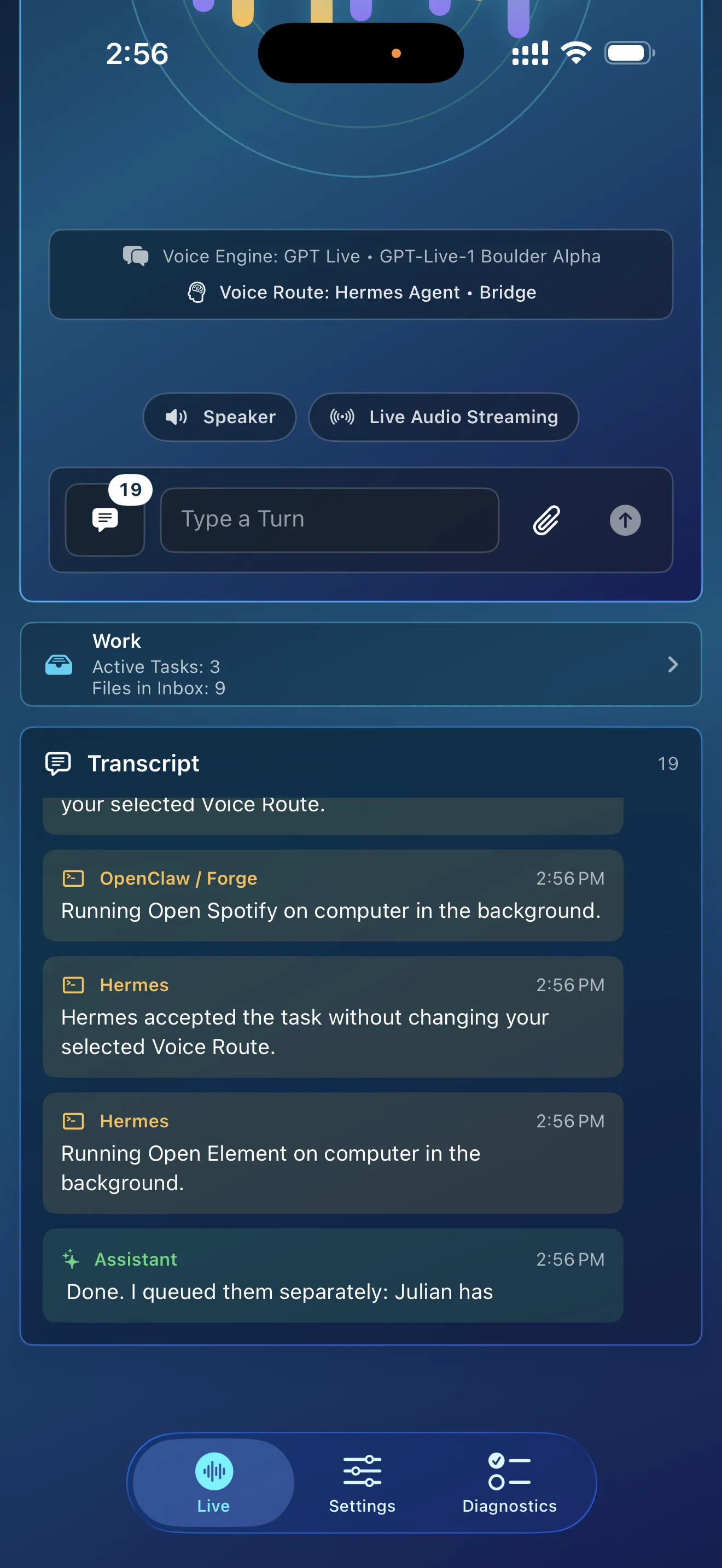
Live Activities
Your work, at a glance.
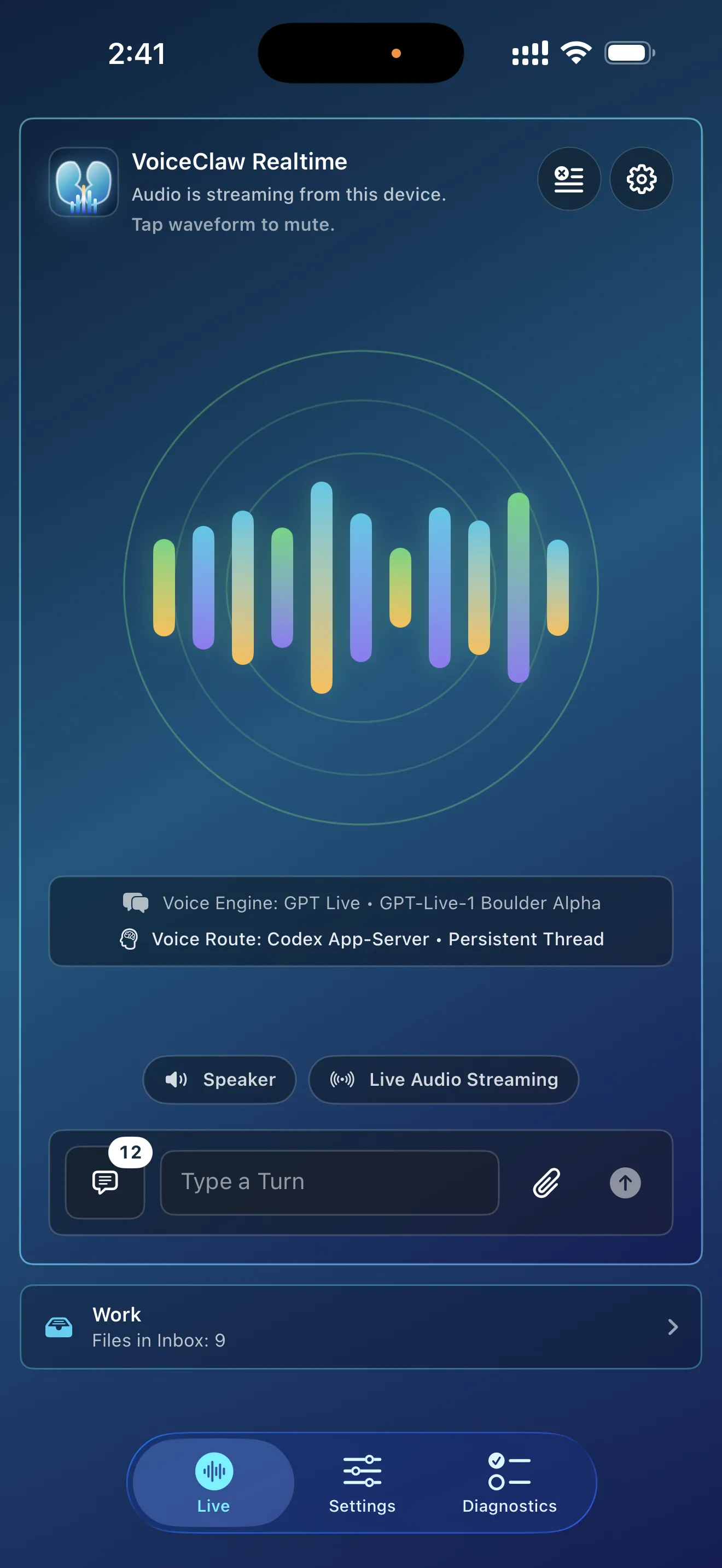
See when agents are working and when results are ready from Live Activities and Notification Center, even while you are using another app.
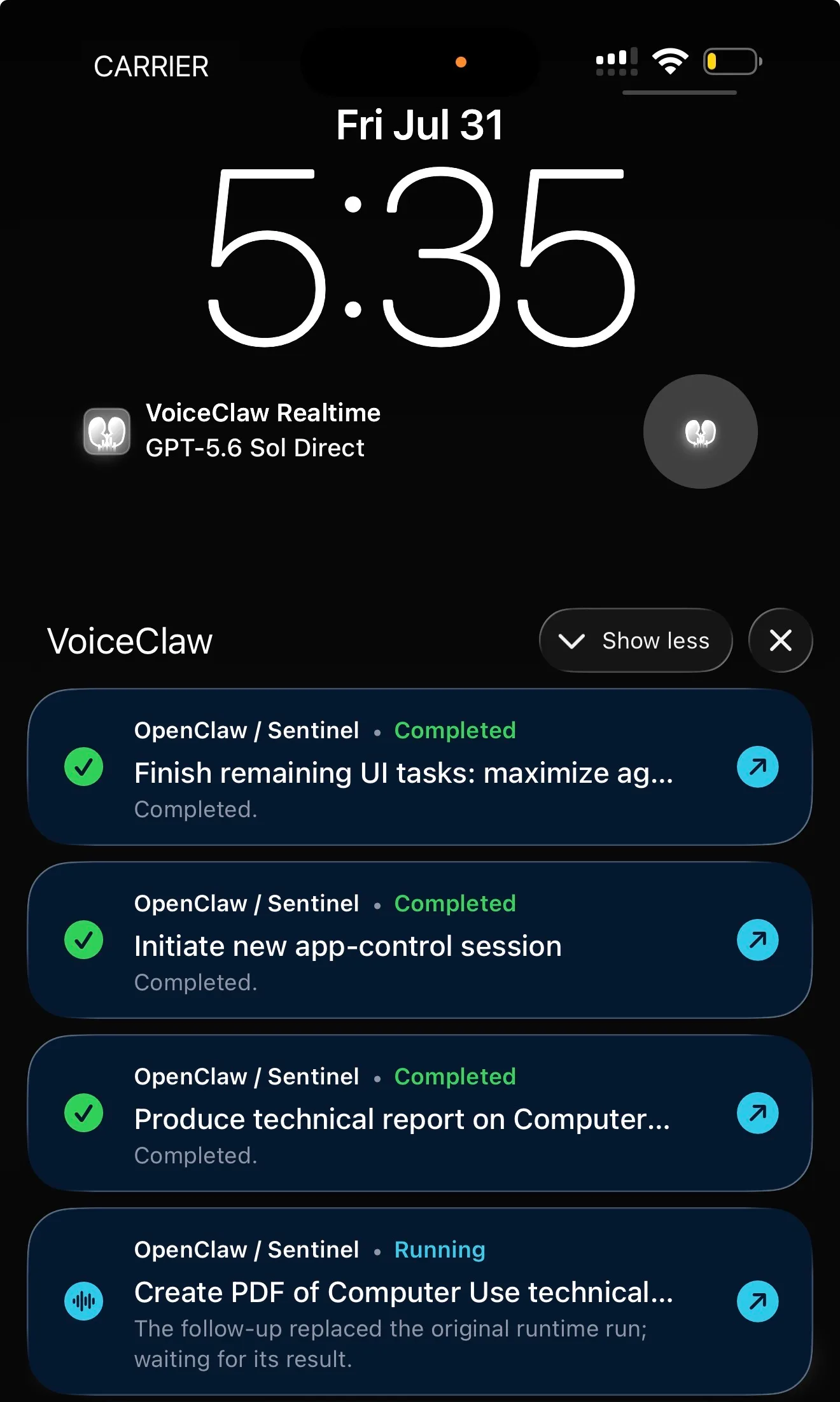
Choose who gets the task
Your agents, on your command.
Name the OpenClaw agent you want, or send the request to Codex or Hermes. VoiceClaw Realtime shows where the work is going, lets you resume supported recent agent sessions, and keeps the GPT Realtime or GPT Live conversation running throughout.
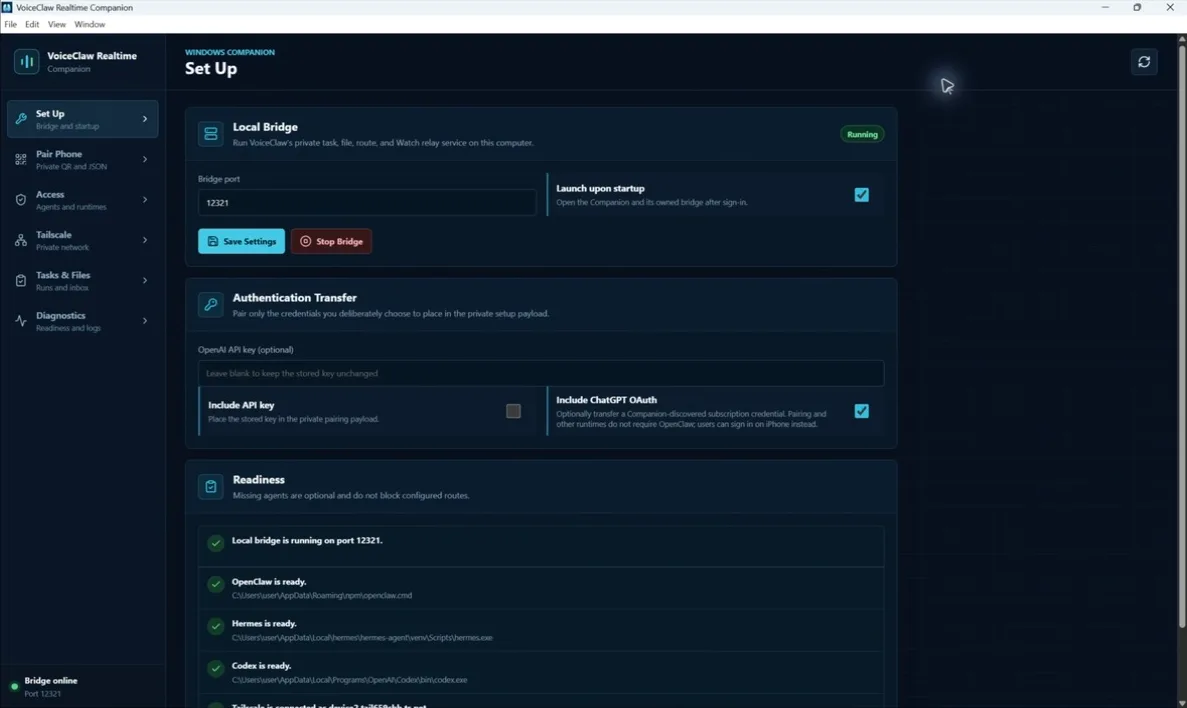
See how Companion connects your computer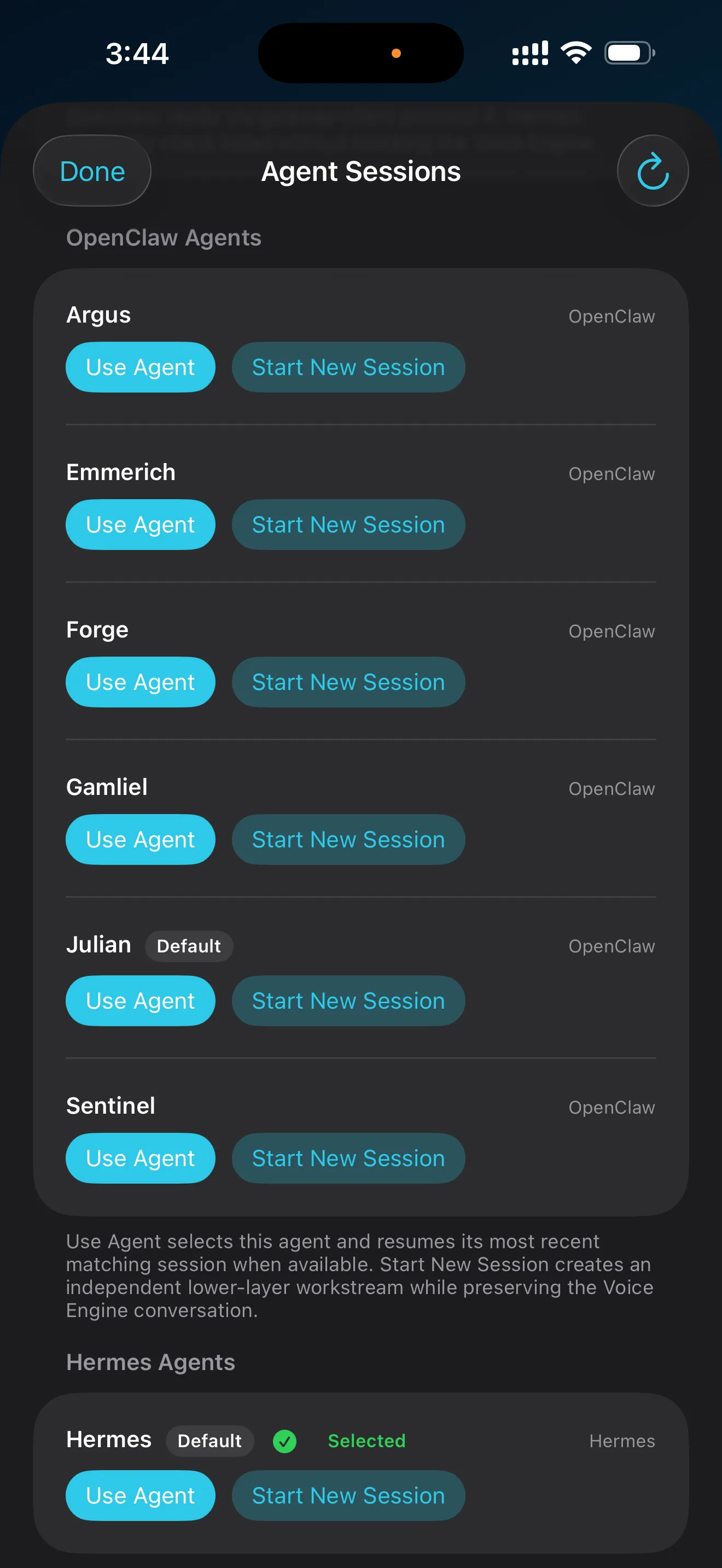
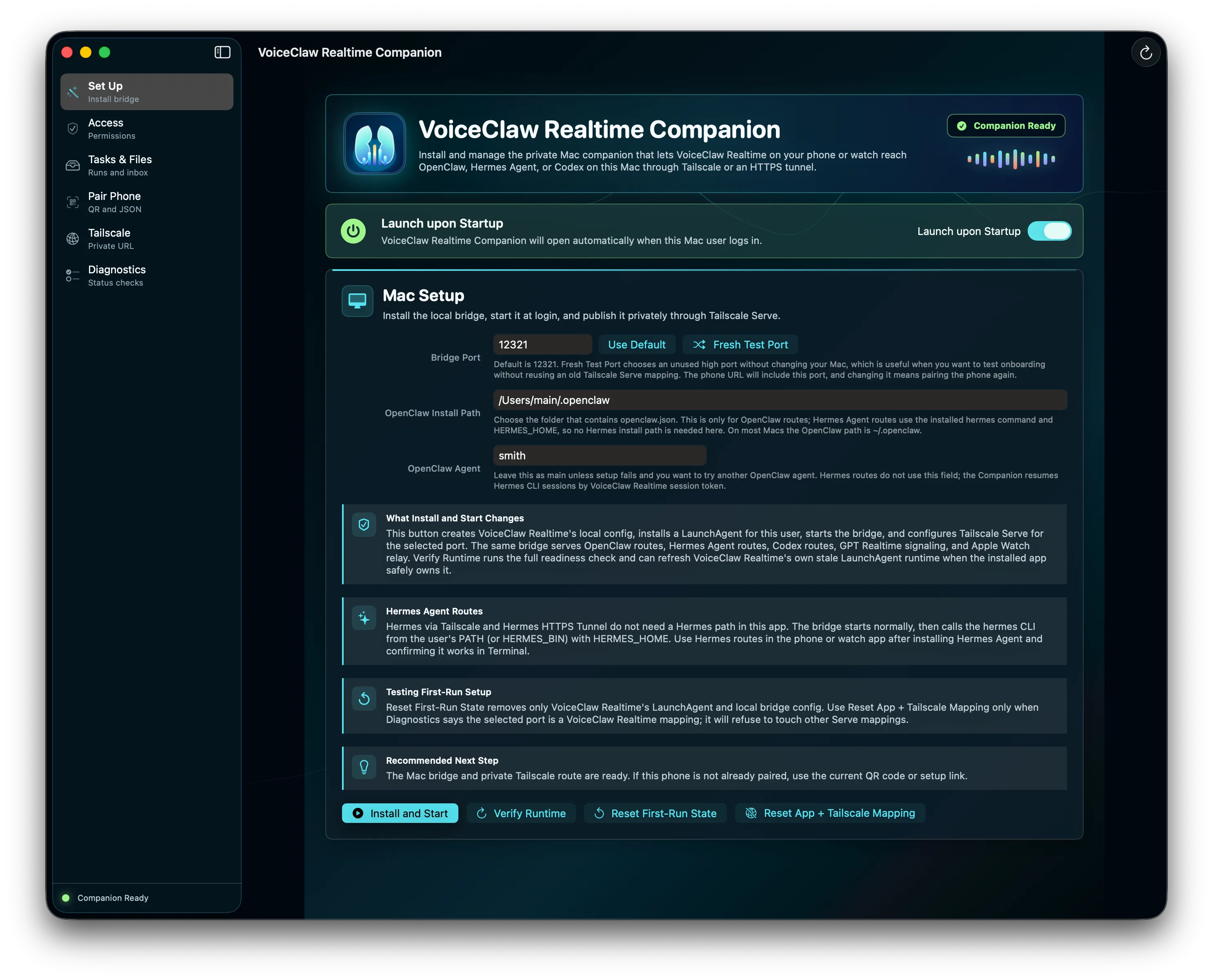
iPhone actions and files
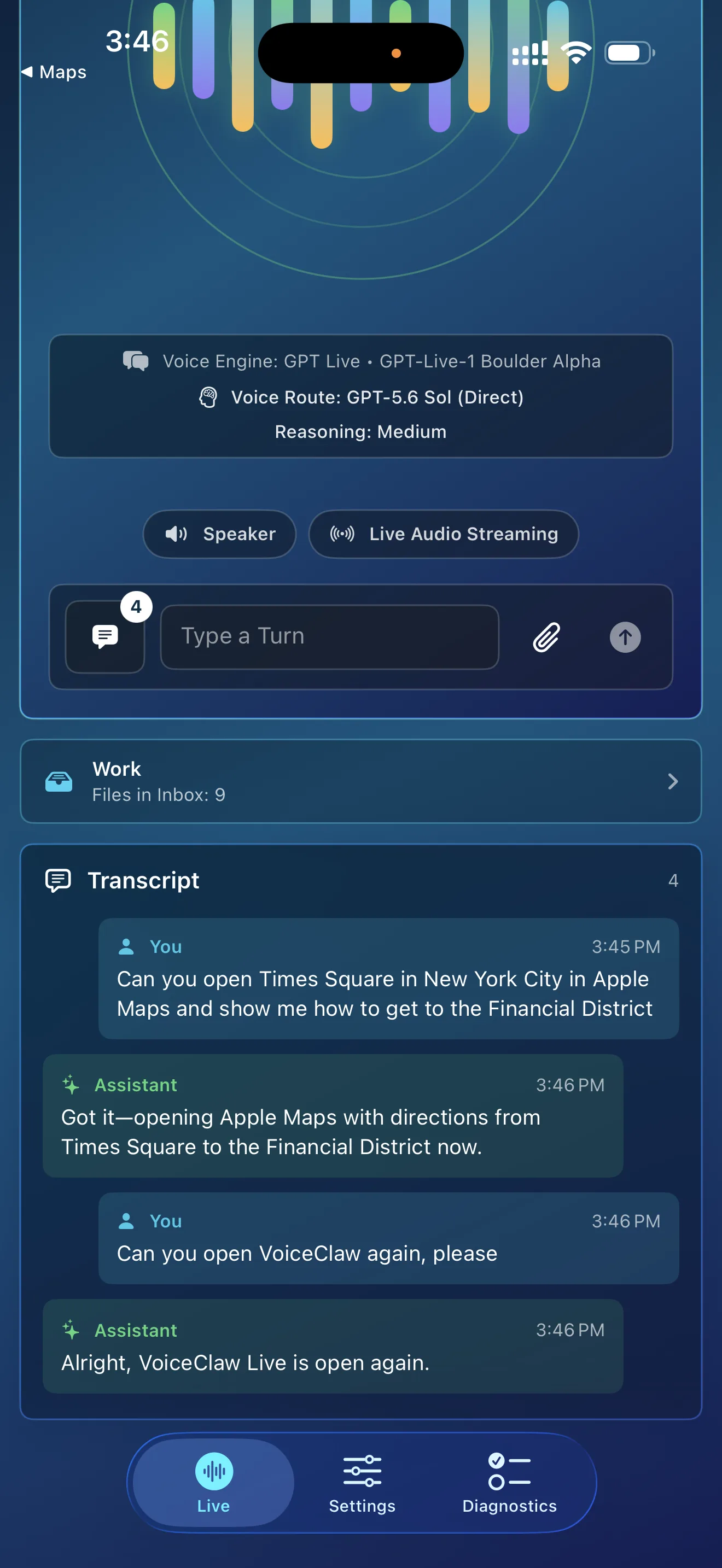
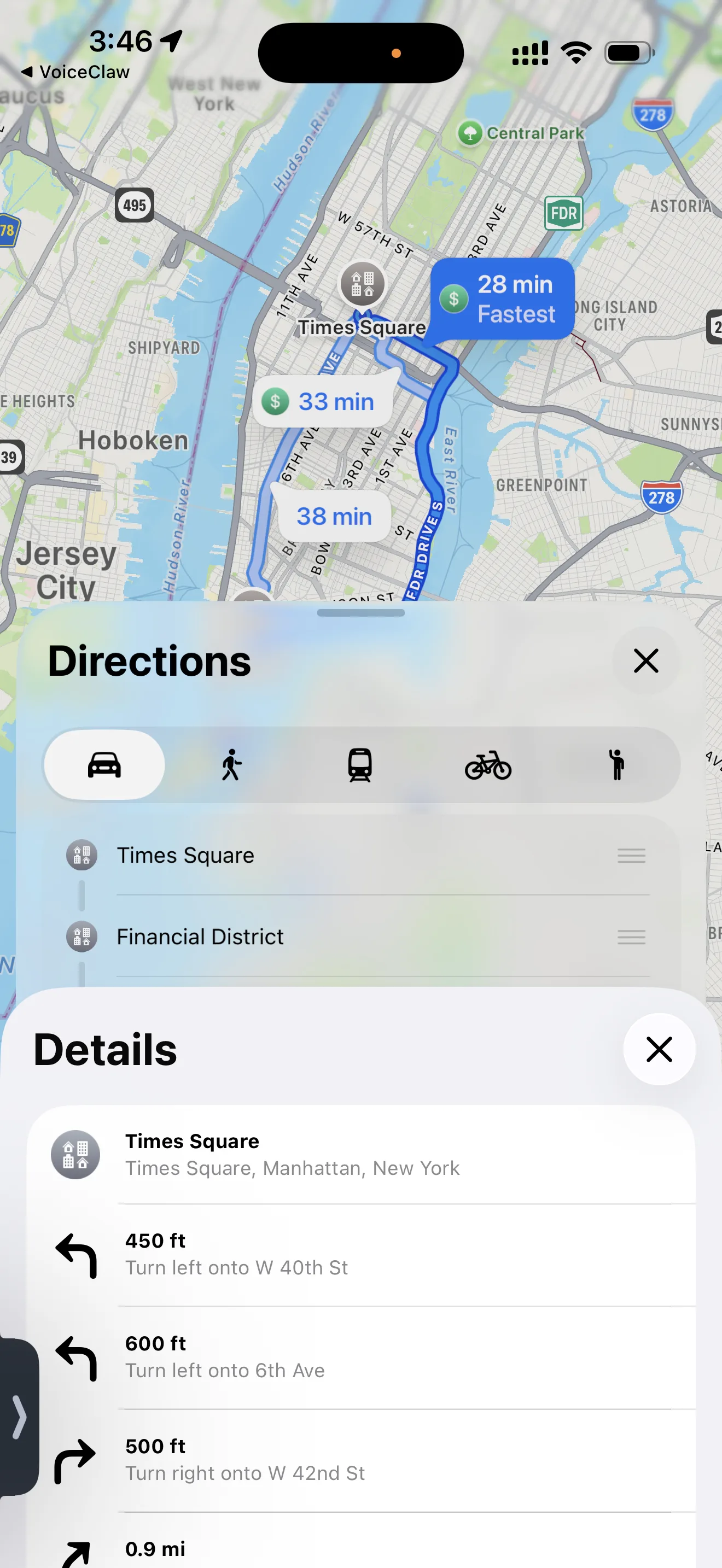
Say it. Your iPhone acts.
Ask VoiceClaw Realtime to open Maps, browse the web, draft Mail or Messages, create Calendar events and reminders, run Shortcuts, launch the camera, or send files and clipboard contents for analysis. Keep talking while the action happens.
Quick access
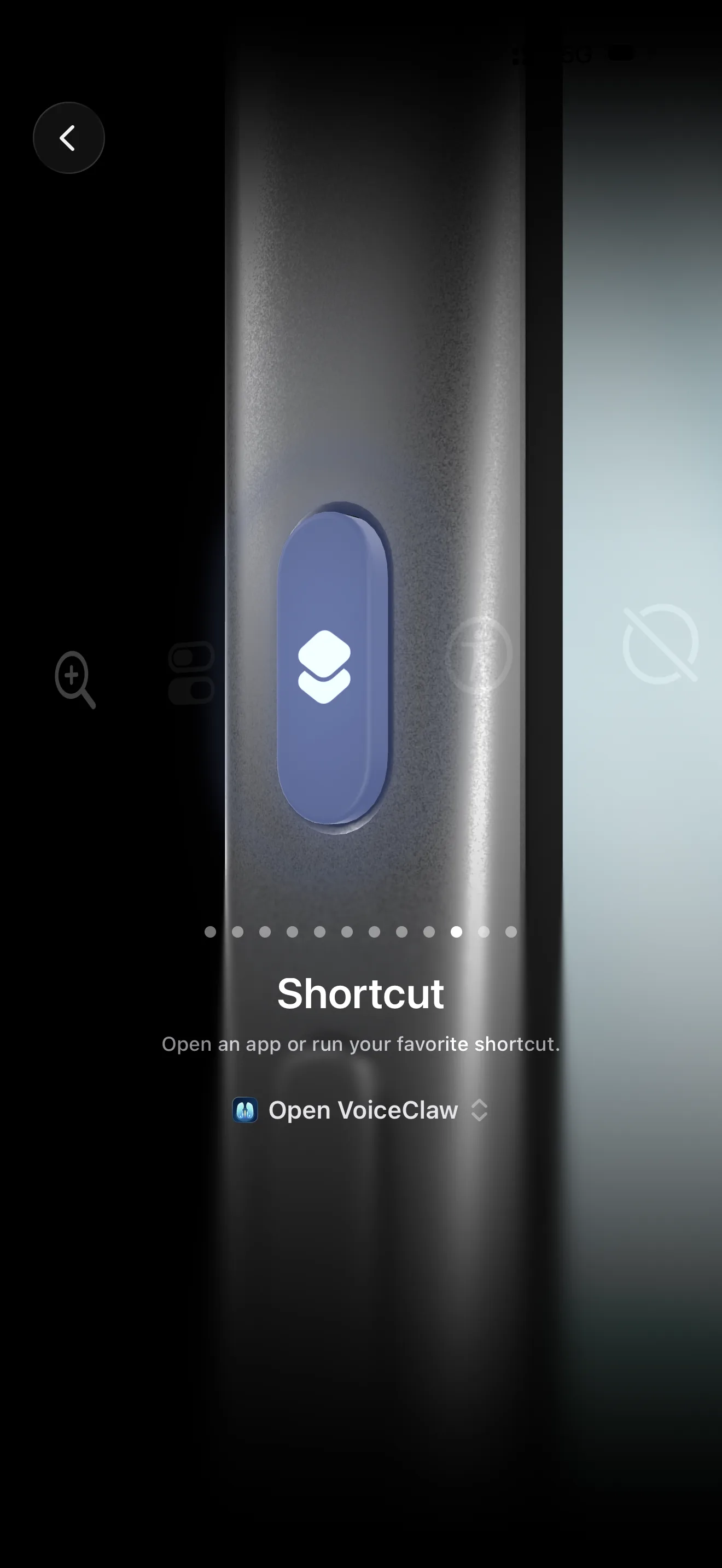
Launch it your way.
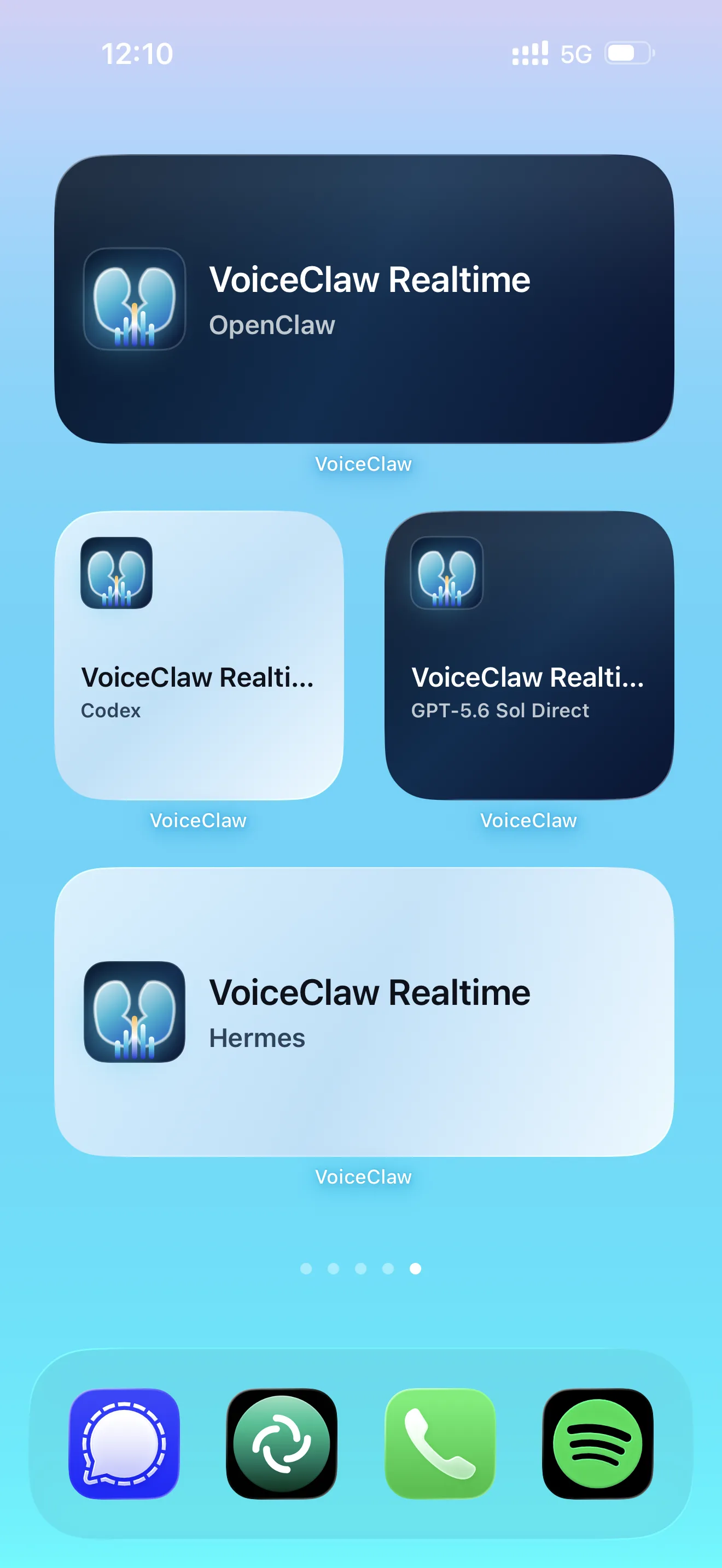
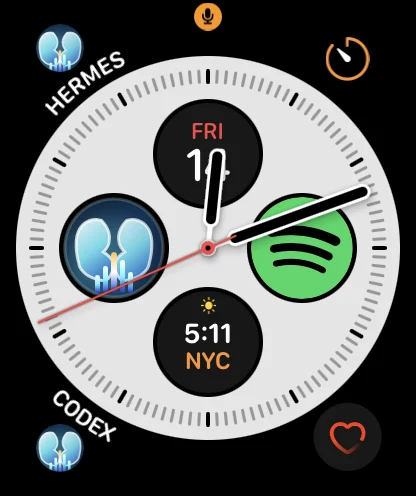
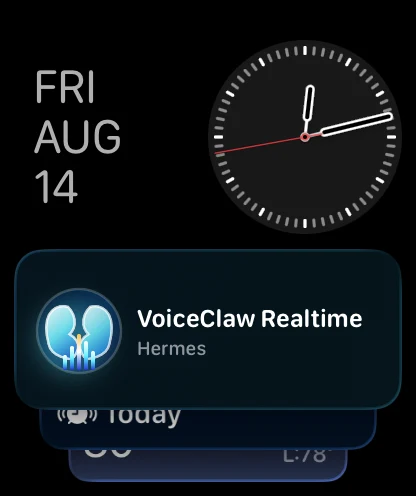
Start VoiceClaw Realtime from the iPhone Action Button, a favorite-mode Home Screen or Watch-face widget, or the Apple Watch Smart Stack. Open the mode you want with a tap or, on supported Watch hardware, Double Tap.
Apple Watch continuity
Keep talking from your wrist.
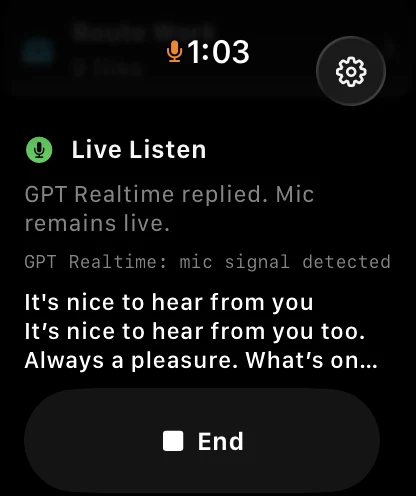
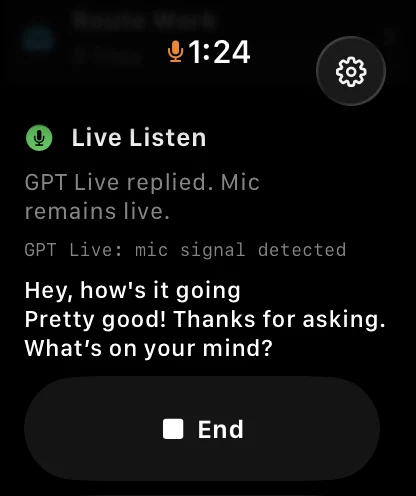
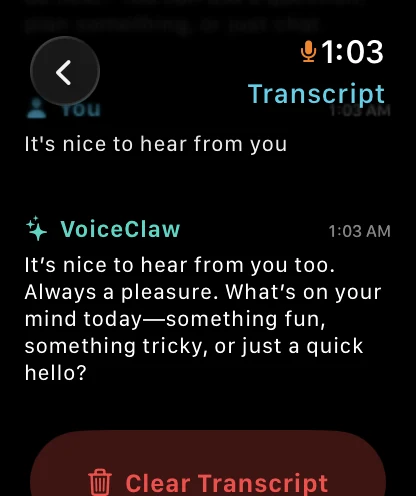
Talk with GPT Realtime or GPT Live from Apple Watch over Wi-Fi or cellular. Start and follow Codex, OpenClaw, and Hermes tasks through your paired iPhone when it is nearby. To reach those computer-side agents when your iPhone is not nearby, add your own personal HTTPS tunnel.
Explore Apple Watch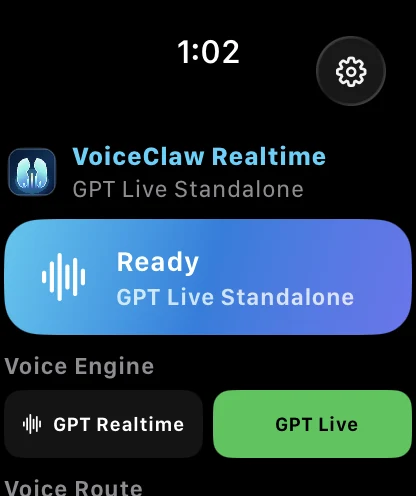
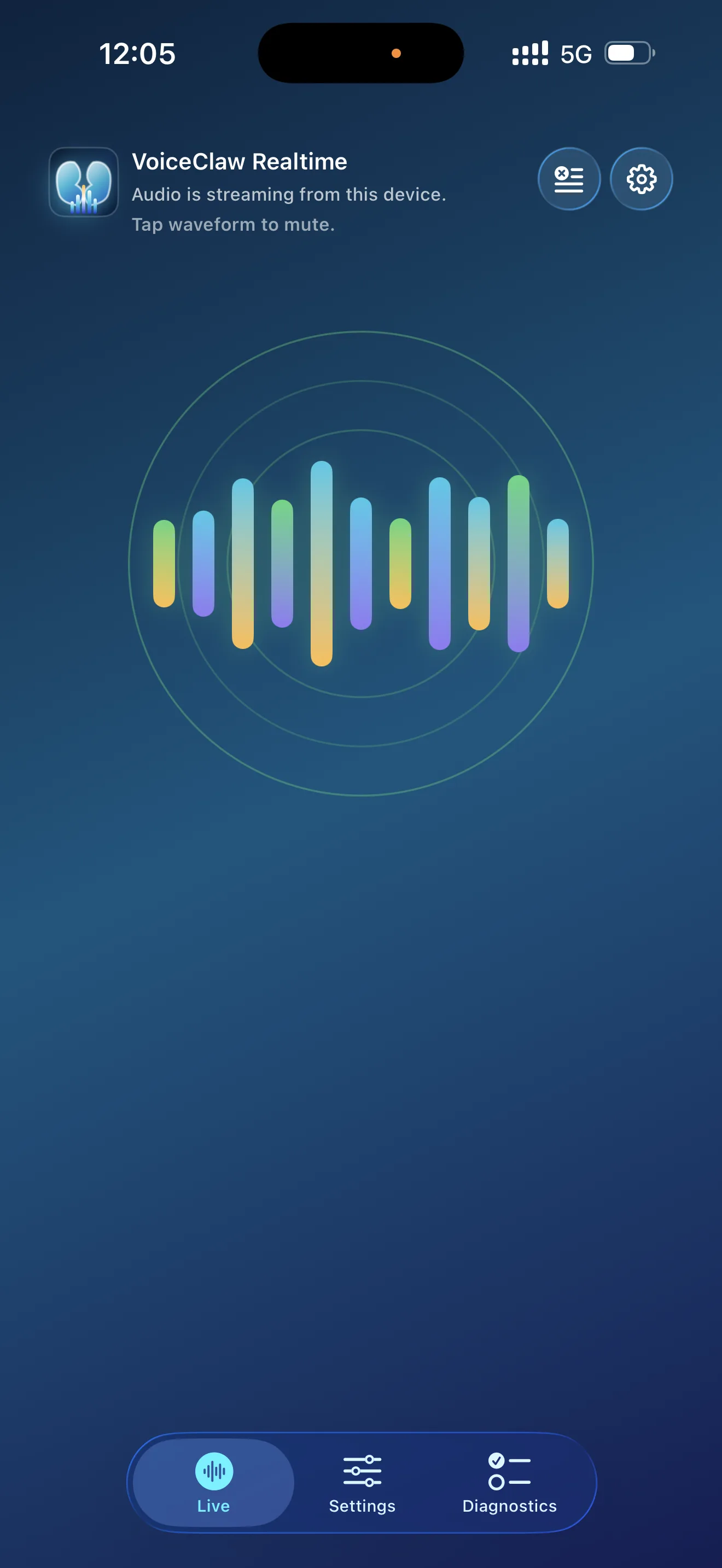
Simplified View
The conversation, without the clutter.
Focus on the conversation and essential voice controls. Turn on Simplified View in portrait or landscape, with either the clean blue background or artwork.

Frequently asked questions
What you need to know.
For setup details, route diagnostics, and account help, use the Support page.
Open SupportCan I use VoiceClaw Realtime without a computer?
Yes. Talk with GPT Realtime or GPT Live, use GPT-5.6 Direct, search the web, analyze files, and use supported iPhone actions without Companion. Install Companion only when you want to reach Codex, OpenClaw, Hermes, computer files, or computer control.
Can I switch routes without ending the voice session?
Yes. GPT Realtime or GPT Live keeps the conversation going while you switch among ChatGPT Instant, GPT-5.6 Direct, Codex, OpenClaw, and Hermes. You can also send a one-off task through another route without leaving your current one.
What does the Companion do?
The free Companion connects VoiceClaw Realtime on iPhone and Apple Watch to Codex, OpenClaw, Hermes, files, and computer control on your Mac or PC. Pair it by scanning one QR code.
Does Apple Watch work away from my iPhone?
Yes. GPT Realtime, GPT Live, and GPT-5.6 Direct can use the Watch's Wi-Fi or cellular connection without a personal HTTPS tunnel. To reach Codex, OpenClaw, or Hermes when your iPhone is not nearby, configure your own personal HTTPS tunnel to Companion using the Apple Watch setup guide.
Where are my credentials stored?
Credentials added on iPhone are stored in the device Keychain. Companion stores its own settings on your computer. VoiceClaw Realtime does not operate a developer server that receives your conversations or credentials.
Does VoiceClaw Realtime require a separate subscription?
VoiceClaw Realtime is free. You can sign in with your existing ChatGPT subscription for supported routes. ChatGPT Instant currently requires your own OpenAI API key. Companion is also free.
Talk to your AI. Put your agents to work.
Start free on iPhone and Apple Watch. Add the desktop Companion whenever you want to control your Mac or PC and its agents.